PAY INVOICE
Frequently Asked Questions
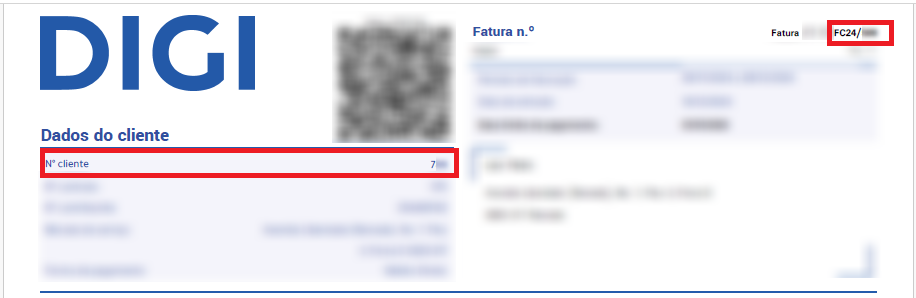
Your customer number and the invoice number are in the header of your DIGI invoice.
If your invoice is returned or is outstanding, we will let you know by SMS.
To pay your invoice, just validate your customer number and the number of the invoice you want to pay on this page. You will then find a summary of the amount to pay.
You must enter your e-mail address, where we will send the confirmation of your payment, and accept the “Terms and Conditions”.
Then click “PAY”. On the payment page you will be redirected to, enter your card details to pay your invoice. This service is only available for debit or credit cards issued by banks in the European Union and the United Kingdom.
If the payment attempt returns an error:
- Remember that the payment can only be made with debit or credit cards issued by banks in the European Union and the United Kingdom.
- Check that the card details are correct.
- For your security, only 3 failed payment attempts are allowed every 24 hours.
The fastest fibre network in Portugal
Verified by nPerf®. Based on independent, comprehensive testing in 2025.